Introducing Project Archiving — Your Projects, Organized and Accessible
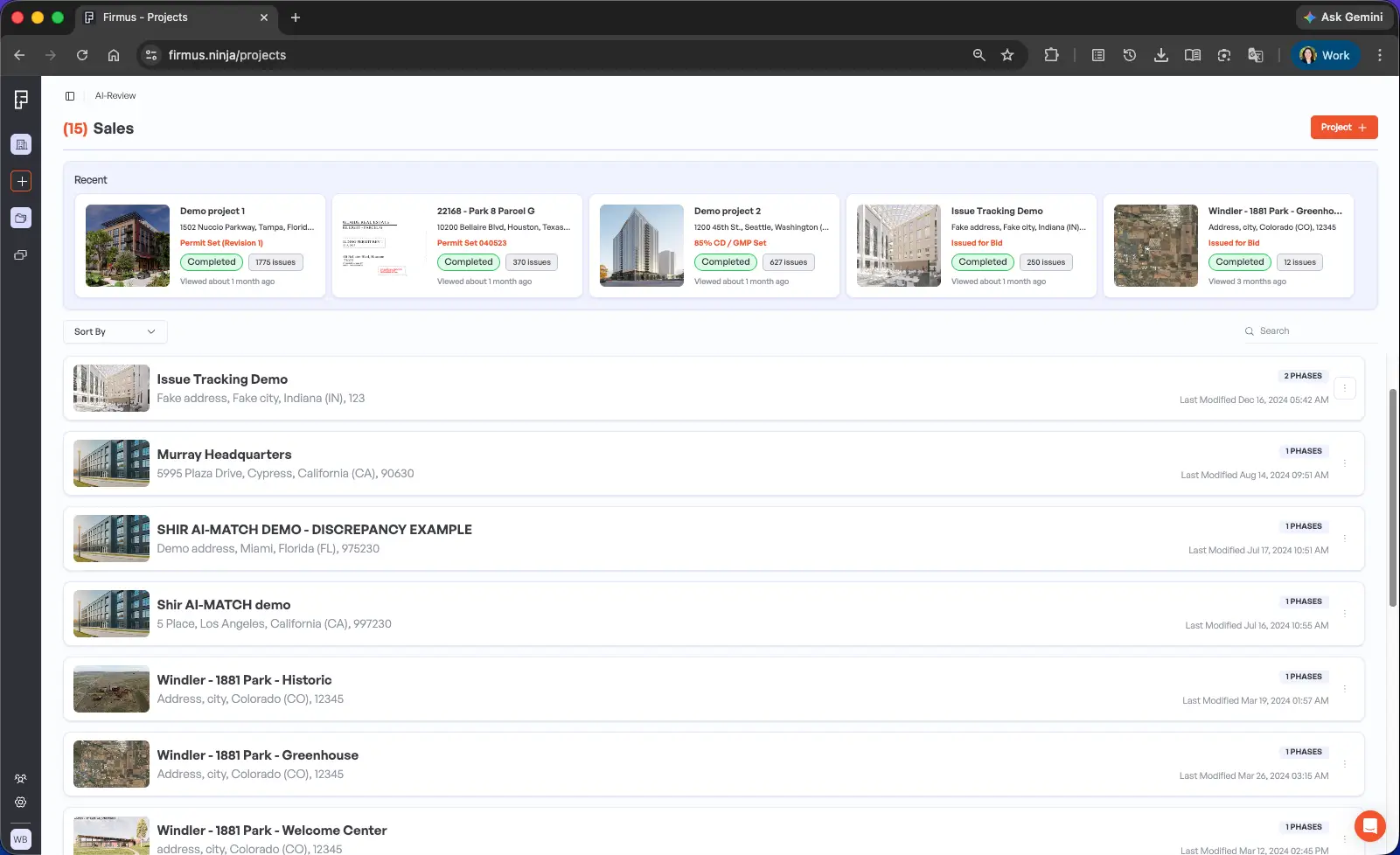
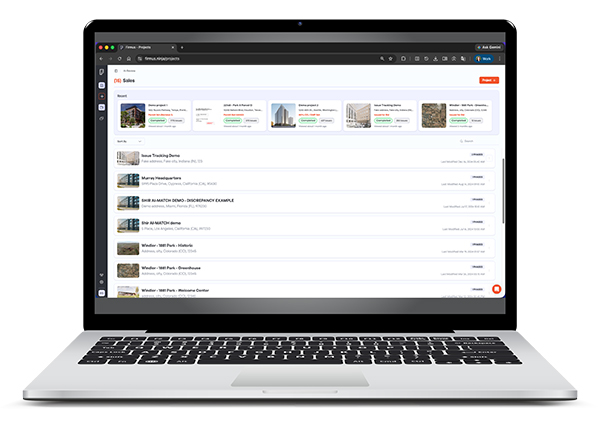
We know how quickly your project list can grow. Between AI-REVIEW analyses and AI-MATCH comparisons, your dashboard can start to feel overwhelming, even when many of those projects are already complete.
That’s why we’re excited to announce Project Archiving—a simple way to keep your workspace focused on what matters most while preserving everything you’ve accomplished.
How It Works
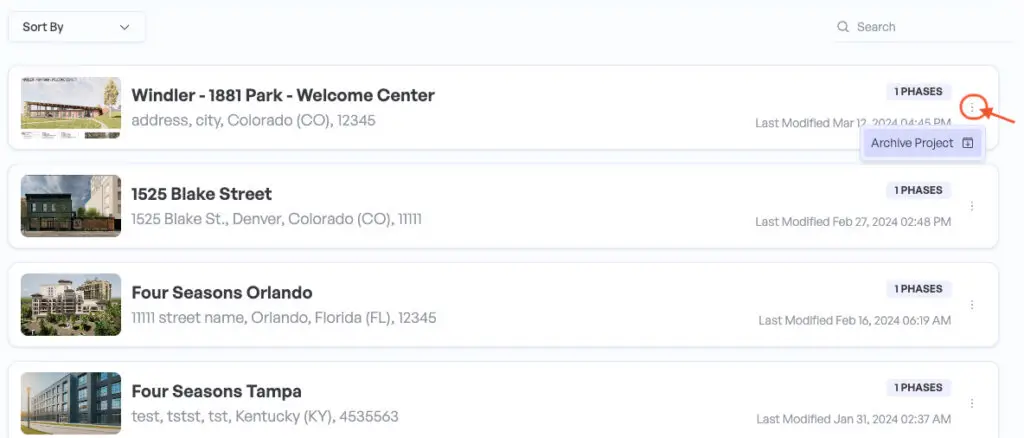
With just a few clicks, you can archive completed or inactive projects in Firmus. Archived projects are removed from your active workspace but remain fully accessible whenever you need them.
Think of it as a digital filing cabinet for your past work—organized, searchable, and out of the way until you need it again.
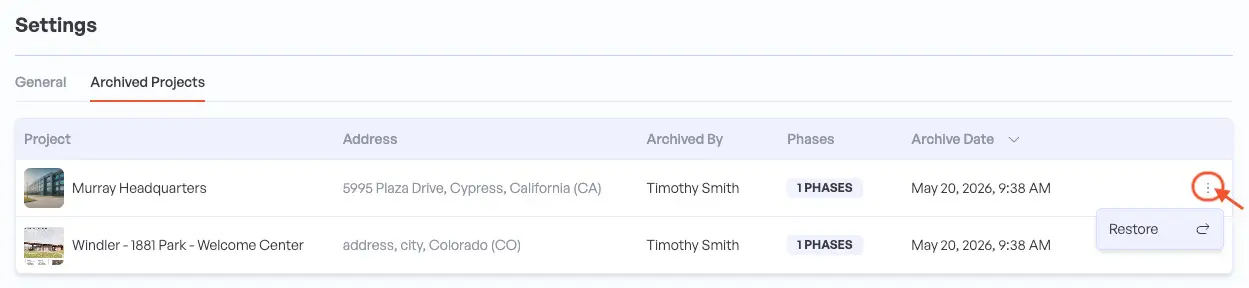
Archived projects are accessible under Settings → Archived Projects.
What You Can Do
Archive both AI-REVIEW and AI-MATCH projects
Access all archived projects anytime
Restore any project instantly and pick up exactly where you left off
Keep your dashboard clean and focused on active work
Why This Matters
A cluttered workspace isn’t just visually distracting—it makes it harder to find what you’re looking for and stay focused on current priorities. Project Archiving gives you the best of both worlds: a streamlined view of active projects and complete access to your project history.
No more scrolling through dozens of old projects. No more worrying about permanently deleting valuable work. Just a clean, organized workspace that adapts to your needs.
Get Started Today
Ready to reclaim your dashboard? Simply navigate to any completed project and select the Archive option. It’s that easy.
Have questions or want to learn more about making the most of this feature? Book a support session with our team—we’re here to help!
Happy Organizing!
Expert Corner
Reduce False Positives with Smarter Set Management
If you’re seeing unexpected flags, ask:
Are you uploading only plan sheets (not elevations/details where required)?
Are tag conventions consistent across schedules?
Are sheets clearly named and organized?
Firmus checks rely on clean plan data.
Clean input = cleaner output
Small upstream organization improvements dramatically improve downstream AI precision.
Book a session with Tim to achieve maximum success on your next project!
Latest News, Resources, and Events
Firmus AI Platform Gains New Feature
Streamline your projects list without losing valuable historical data with Project Archiving.
AI: Your Career Catalyst in Construction
How construction professionals are leveraging artificial intelligence to enhance expertise.
Full Set-to-Set Match
Learn how you and your teams can benefit from fast, automated construction drawing set comparisons.